
How to Choose Your Neck Profile
Buying Guides
The neck profile is the most personal choice on a guitar, and the one players most want a straight answer to. There is not one. A neck that disappears in one player's hand feels wrong in the next, and the difference usually has nothing to do with skill or the music being played. It comes down to hand shape, technique, and years of habit.
So this is not a guide to the right neck. It is a guide to the handful of things that actually change how a neck feels, and to reading your own hands honestly enough to know which of them matter to you.
Start With the Neck You Already Play
The most useful information you have is the guitar you keep reaching for. Find its specifications, most makers publish them, and note what you would change about it. Does your hand tire before the set is over? Do bends choke out on the higher frets? Do barre chords feel like work? Do you lose your place when you shift position quickly?
Those complaints point at specific variables far more reliably than any description of a profile can. And if nothing about your current neck bothers you, that is an answer too. Stay close to it.
What Actually Changes the Feel
Thickness. How much of the neck fills your palm. Thin profiles shorten the distance your hand travels and feel quick under the fingers. Thicker profiles give the palm something to rest against, which spreads the work instead of concentrating it in the fingertips and thumb. The old idea that thin necks are faster does not hold up well: speed lives mostly in technique and setup, and players known for speed sit at both ends of the thickness range. Many players who play long sessions drift toward more thickness over time. Plenty of others never do.
Shape. The letter, C, D, U or V, describes the cross section, and what it really decides is where your thumb wants to sit. C shapes are neutral and stay out of the way. D shapes have flatter shoulders that encourage the thumb behind the neck. U shapes give a flat back to rest against. V shapes have a ridge that the thumb tends to find on its own, which some players like for consistency and others find intrusive. This is the variable most worth trying rather than reading about.
Radius. A rounder fretboard follows the natural arch of your fingers, so chords tend to sit comfortably. A flatter one keeps the strings closer to level, which makes low action and wide bends easier. A compound radius moves from rounder near the nut to flatter toward the body, which suits players who chord and bend in equal measure. A single, constant radius stays predictable everywhere, which matters for slide playing and for anyone who has spent years on one feel and does not want it changing under the hand.
Nut width. Easy to overlook, and it often does more for comfort than thickness does. Wider spacing helps fingerstyle and complex chord work stay clean. Narrower spacing suits smaller hands and fast chord changes. If a neck ever felt cramped or sprawling to you, this is the first place to look.
Taper. Some necks hold one thickness from end to end, which gives the same grip in every position. Others thicken gradually toward the body, which adds a quiet sense of where you are as you move up. A few do the opposite, staying fuller at the nut for chord work and thinning higher up for lead playing. None of these is more correct than the others. They simply give your hand different information.
Scale length. A shorter scale brings the frets closer together and lowers string tension, which makes stretches and bends less demanding. A longer scale spreads the frets and tightens the strings, which many players prefer for definition in lower tunings. It changes the feel of a neck as much as the profile carved into it.
It Might Not Be the Profile
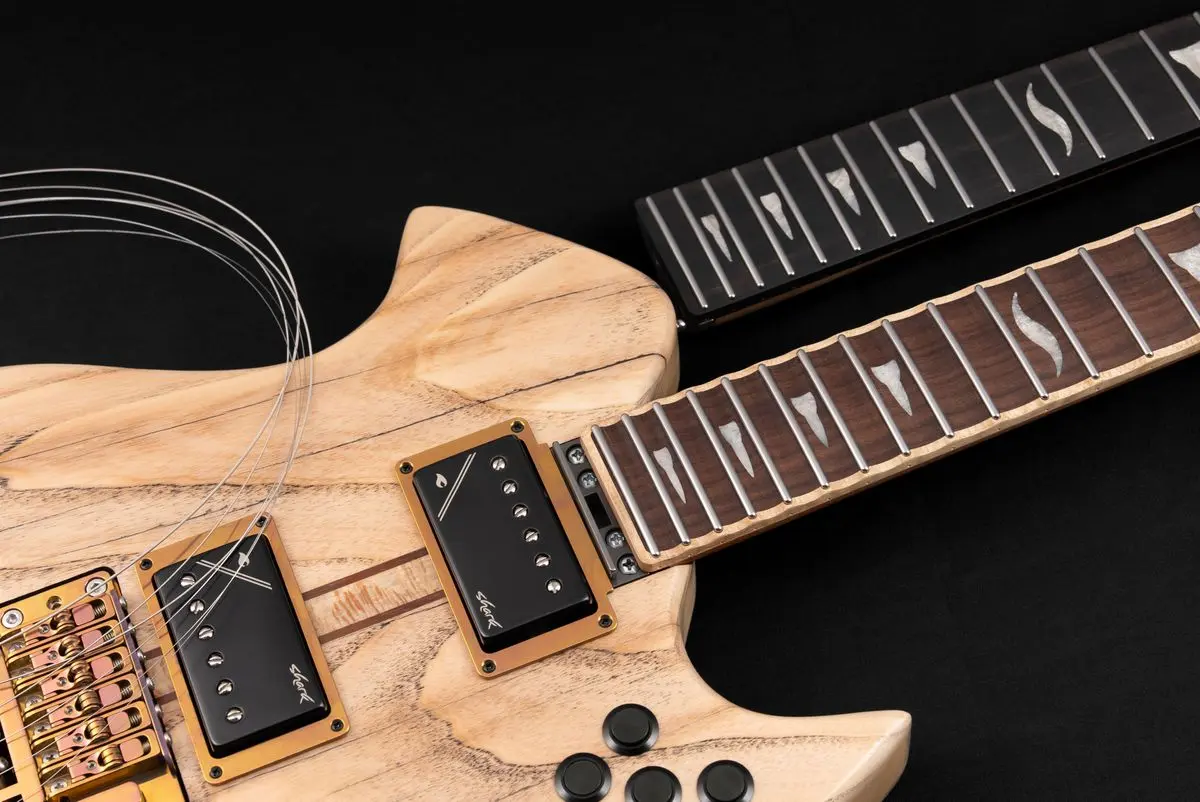
A neck that felt wrong in a shop may not have been the profile at all. Fret size changes how high your fingers ride above the wood, so the same dimensions can feel thinner or thicker. Finish changes how the back of the neck slides. String gauge, action height and general setup change the effort each note takes. Any of these can be mistaken for a profile you did not like.
The other trap is the short test. Five minutes tells you about first impressions. Comfort over the third hour is a different question, and it is usually the one that matters.
The Two Specialists
A scalloped fretboard removes wood between the frets, so your fingers touch only the string and the fret. Bending gets easier, vibrato gets wider, and intonation becomes sensitive to how hard you press. It rewards a light touch and asks for a real adjustment period, so it is a better second neck than a first one.
Fretless asks for the same kind of recalibration in a different direction, since your finger placement alone sets the pitch. Players who want it usually already know they want it.
Narrowing It Down
Four questions get most players close:
What do you actually play most of the time, not what you admire?
How long do your sessions run?
Where, if anywhere, does your hand complain first?
Of the necks you have liked, what did they have in common?
Then choose the profile that takes the most effort out of the playing you do most. Comfort tends to outlast every other consideration, and a neck that lets your hand relax will serve you better than one chosen from a specification sheet.
You Are Not Choosing Once
Usually the neck decides the whole purchase. You find a feel you want, and the only way to get it is to buy the instrument it came attached to. It is a familiar reason for owning another guitar, sometimes the only reason.
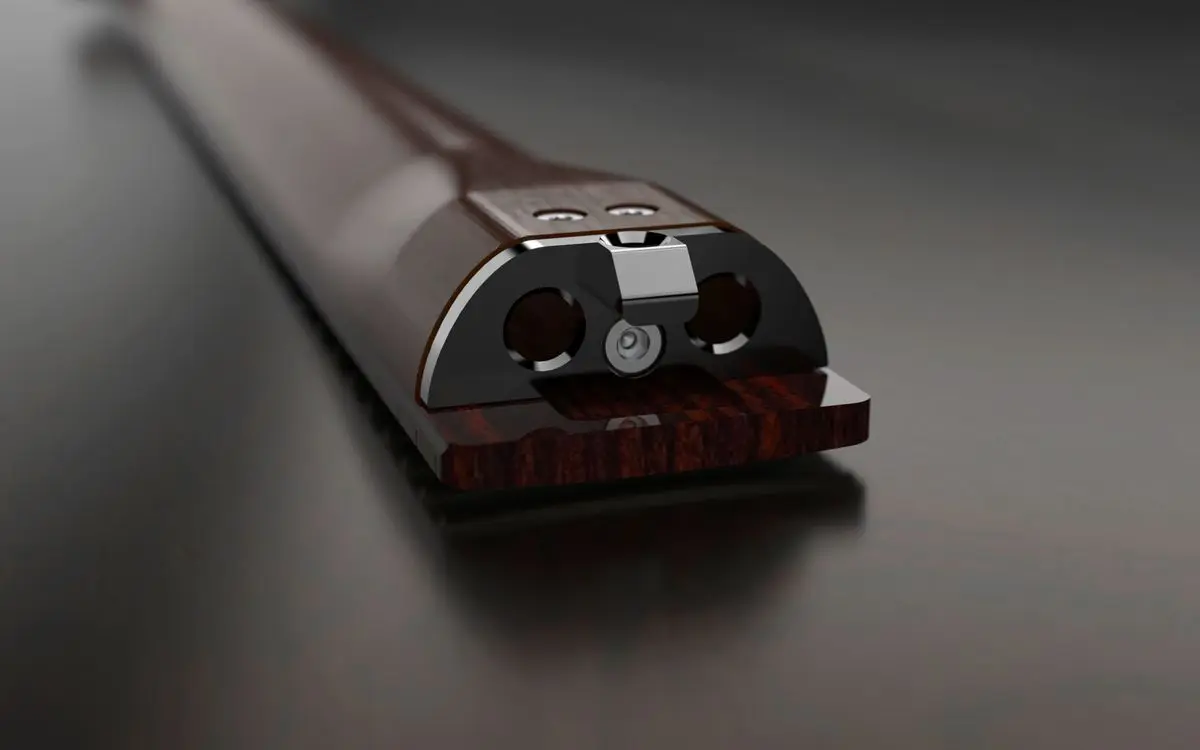
On a Shark guitar, the neck is not welded to the decision. It joins the body through a titanium joint and stays a component you can change, so the profile you choose now is a starting point rather than a permanent commitment. When you want to try something different, you change the neck in a few minutes and carry on with the guitar you already know. Some players keep one neck for years. Others keep more than one and swap between them as the work changes.
When you order, you can pick a profile from the curated list on any Store product page, or open the 3D Designer and set the geometry yourself: thickness, shape, radius behavior, taper, fret count, scale length, scalloping and the woods underneath. Every option shows its exact figures as you go, which is where to check the numbers when you want them.
If you are not sure, start with what already works in your hands and move from there. That is the honest answer, and it is the one most players arrive at anyway.
Date Edited: 21-09-2026
Date Created: 28-07-2026
TAGSBuying Guides, How-To